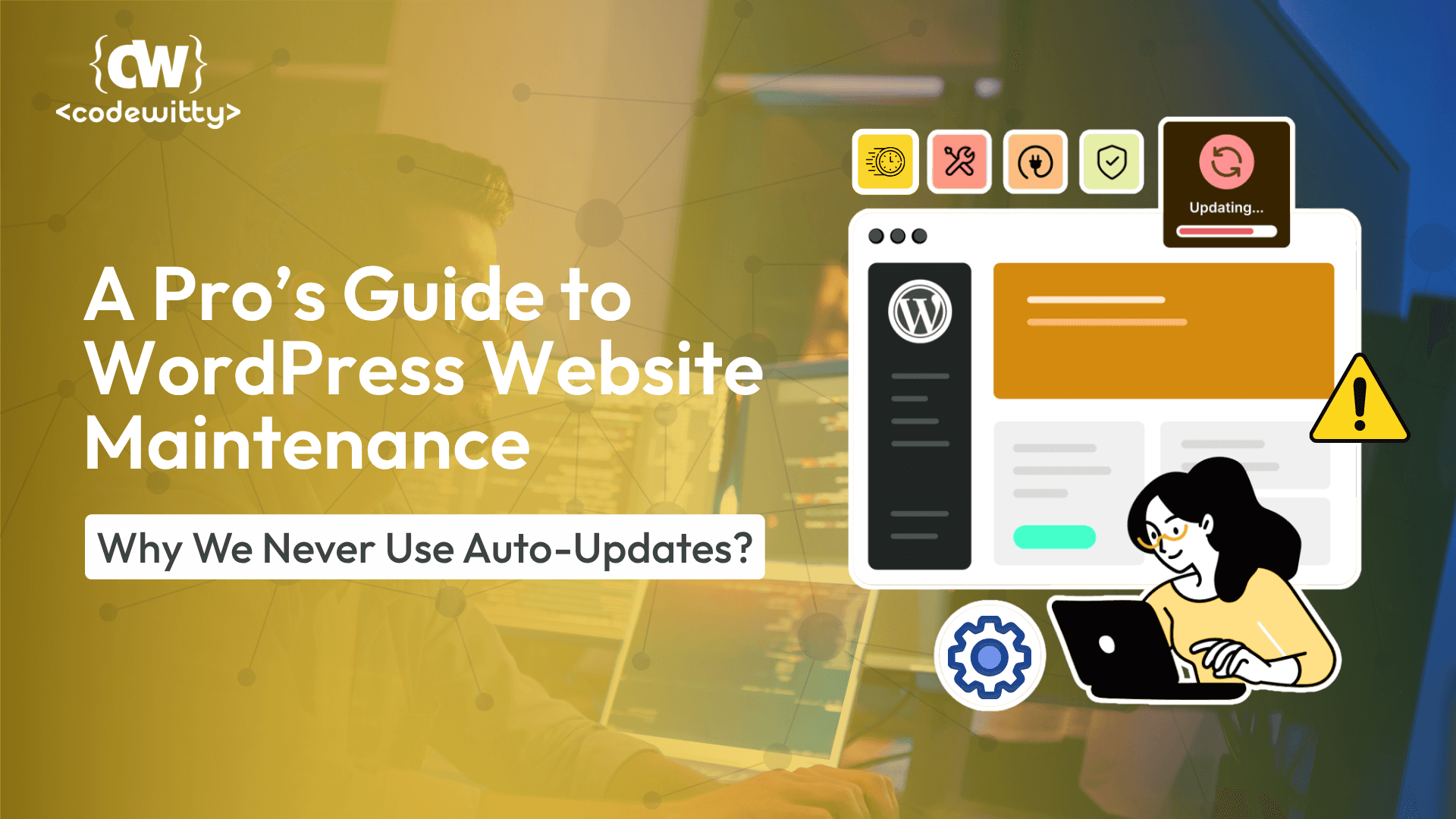

That little “Enable auto-updates” link in your WordPress dashboard looks so convenient. A single click promises to handle all your plugin updates automatically, saving you time and effort. But in the world of professional WordPress website maintenance, convenience can be a direct path to disaster.
Handing over full control to an automated system is a risk we’re never willing to take with our clients’ websites. Automated updates can introduce bugs, create conflicts, and even take your entire site offline without warning.
Here, we’ll explain the hidden dangers of auto-updates and reveal the professional, manual process our website maintenance service uses to guarantee your site remains secure, stable, and performing at its peak.
The Real-World Risks of Automated WordPress Updates
When you enable auto-updates, you’re letting code changes go live on your site without any human oversight. This turns your business’s most valuable digital asset into a testing ground. Here are the most common consequences:
Critical Theme and Plugin Conflicts: The #1 cause of the dreaded “white screen of death.” An updated plugin may be incompatible with your theme, the current WordPress core, or another critical plugin, instantly breaking your site’s layout or functionality.
Sudden Loss of Features: A developer might change or remove a feature your site relies on. With an auto-update, this happens without your knowledge, leading to a broken contact form or a malfunctioning checkout process that you might not discover for days.
Introduction of New Bugs: Not every update is perfect. A rushed release can introduce new bugs that haven’t been discovered by the community yet. An auto-update makes your site one of the first to experience these new problems.
Relying on automation for routine WordPress maintenance is like driving with your eyes closed. For a business that depends on its website, a deliberate, hands-on approach isn’t just better—it’s essential.
Our Safe Update Protocol: The Core of Our Website Maintenance Service
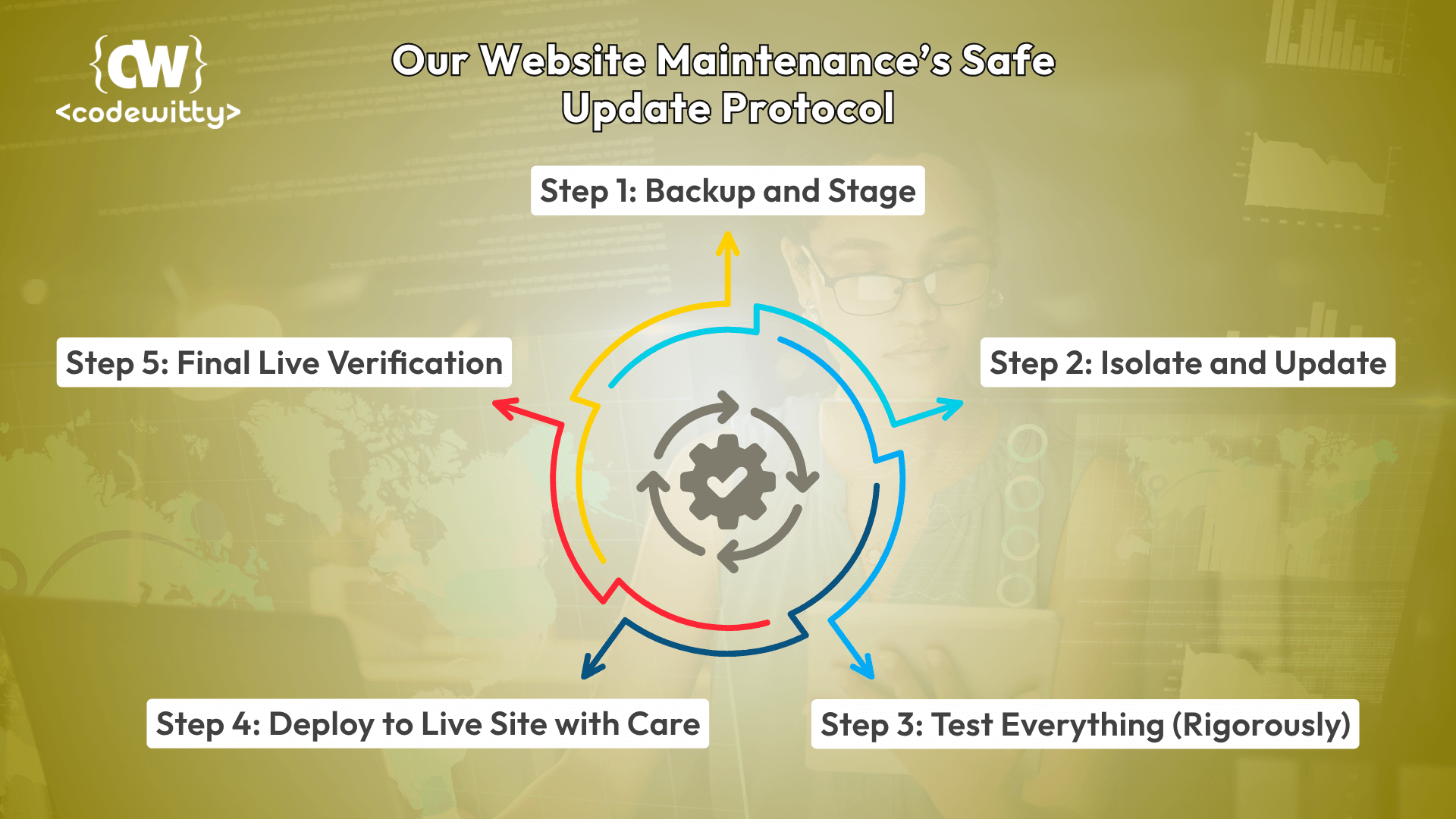
To eliminate risk, we follow a meticulous manual update protocol that prioritizes your website’s health and stability above all else. This is how professional WordPress website maintenance is done.
Step 1: Backup and Stage
Before we touch a single line of code, we perform a complete backup of your live website’s files and database. We then create a private “staging” copy of your site. This clone is where all the testing happens, ensuring your live site is never at risk.
Step 2: Isolate and Update
On the staging site, we update plugins one by one, not all at once. This careful approach allows us to immediately pinpoint the source of any issue. We also check the official changelogs and community forums for any known problems with the new version.
Step 3: Test Everything (Rigorously)
After each plugin is updated, we conduct a full-site audit on the staging environment. We test critical user pathways, from your contact forms to your e-commerce checkout. We check for visual glitches and ensure all other site features are functioning perfectly.
Step 4: Deploy to Live Site with Care
Only after confirming every update is 100% stable on the staging site do we begin the process on your live website. We perform the updates during your site’s off-peak traffic hours to minimize any possible disruption to your visitors.
Step 5: Final Live Verification
Once the updates are live, we perform one final, thorough check of the entire website. This final verification ensures a seamless rollout and confirms your website is secure, updated, and operating flawlessly.
Secure Your Business with Professional WordPress Maintenance
The choice is clear: you can either leave your website’s health to chance with risky automation or you can secure it with a professional process built on safety and expertise.
This manual, test-first approach is the foundation of a reliable website maintenance service. It transforms a dangerous gamble into a controlled procedure that gives you true peace of mind, knowing your digital storefront is in expert hands.
Conclusion:
The choice between automatic updates and a professional manual process is ultimately a choice between risk and reliability. Your website isn’t just a collection of code; it’s your digital storefront, your lead generation engine, and a cornerstone of your brand’s reputation. Leaving its health to an automated system that can’t see, test, or think is a gamble that successful businesses can’t afford to take.
Investing in a professional website maintenance service isn’t an expense—it’s an insurance policy for your online presence. It ensures your most valuable digital asset is always secure, efficient, and ready to serve your customers, giving you the peace of mind to focus on what you do best: running your business.
Ready to stop worrying about every update? Let our team handle your WordPress website maintenance with the professional care your business deserves. Contact us today for a free website health assessment!
FAQs about WordPress Website Maintenance Service
Our service includes a comprehensive checklist of tasks: daily backups, security monitoring, performance scans, database optimization, and our safe manual update process for the WordPress core, themes, and plugins. We provide a complete solution for site health and security.
While it requires more hands-on time, it is significantly safer and prevents hours or days of costly downtime and emergency fixes. Our efficient process ensures your site is updated in a timely manner without ever putting it at risk.
We monitor security channels constantly. When a critical vulnerability is announced, we expedite our safe update process to patch your site immediately. Because we have a tested protocol, we can act faster and more safely than a site owner reacting to a crisis.
We typically run our full update cycle on a weekly basis for most clients. However, for critical security patches, we act immediately—often within hours of a vulnerability being announced. This schedule provides the perfect balance between keeping your site's software current and ensuring maximum stability through rigorous testing.
This is precisely why our staging process is so important! If an update causes an issue in the testing environment, your live site remains completely safe and unaffected. We then investigate the root cause, which may involve waiting for a more stable version from the developer, finding a suitable alternative plugin, or implementing a custom fix. We communicate our findings and recommended solutions to you every step of the way.
That's a great question. Effective WordPress maintenance is proactive, not reactive. It’s like changing the oil in your car; you do it to prevent the engine from seizing, not after it has already happened. Our service prevents security breaches, performance degradation, and sudden crashes before they can impact your business, saving you from the stress, lost revenue, and high costs of emergency repairs down the line.